Features
Library
Likes, saved albums and artists, playlists, search, and the tools for keeping them tidy.
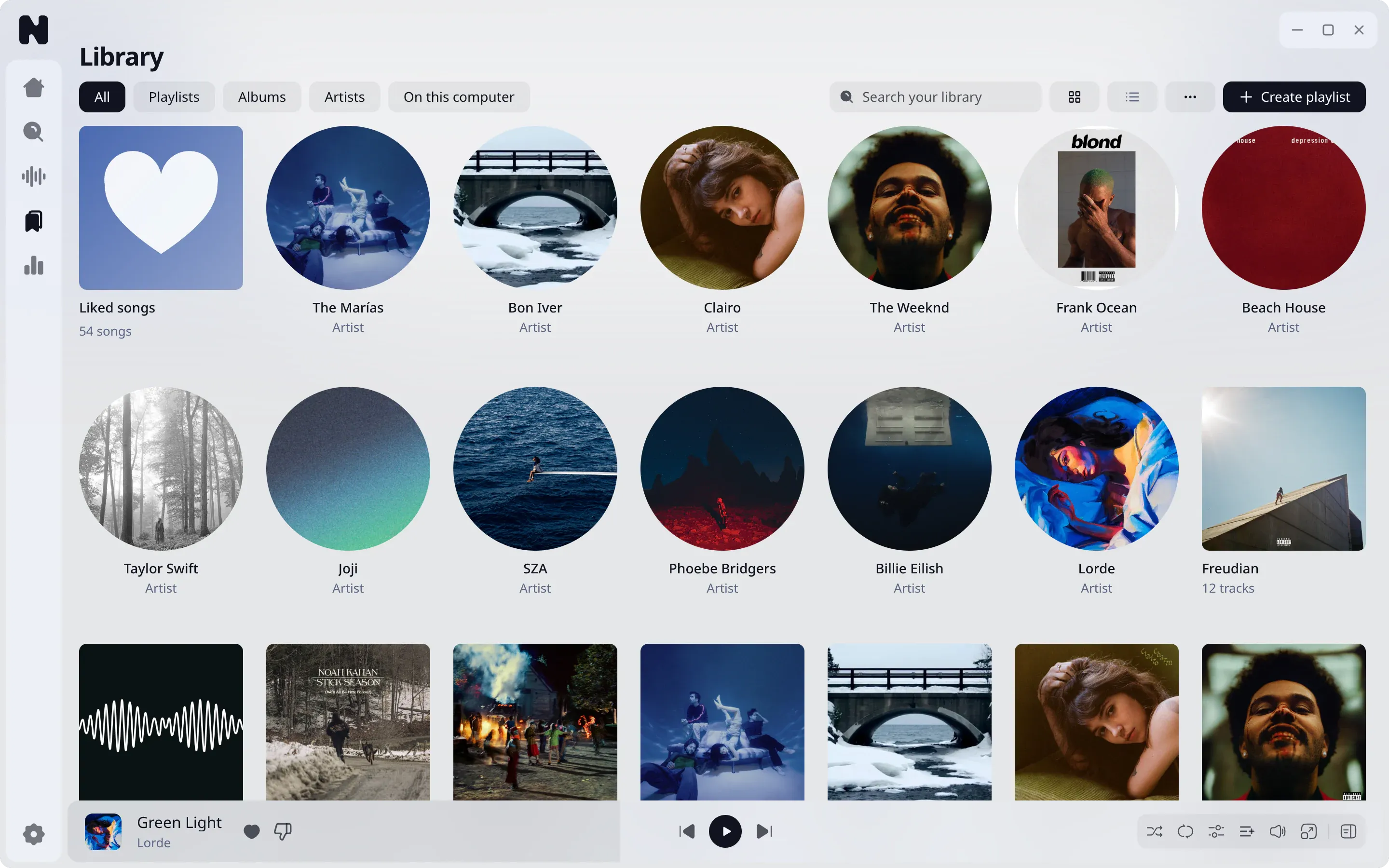
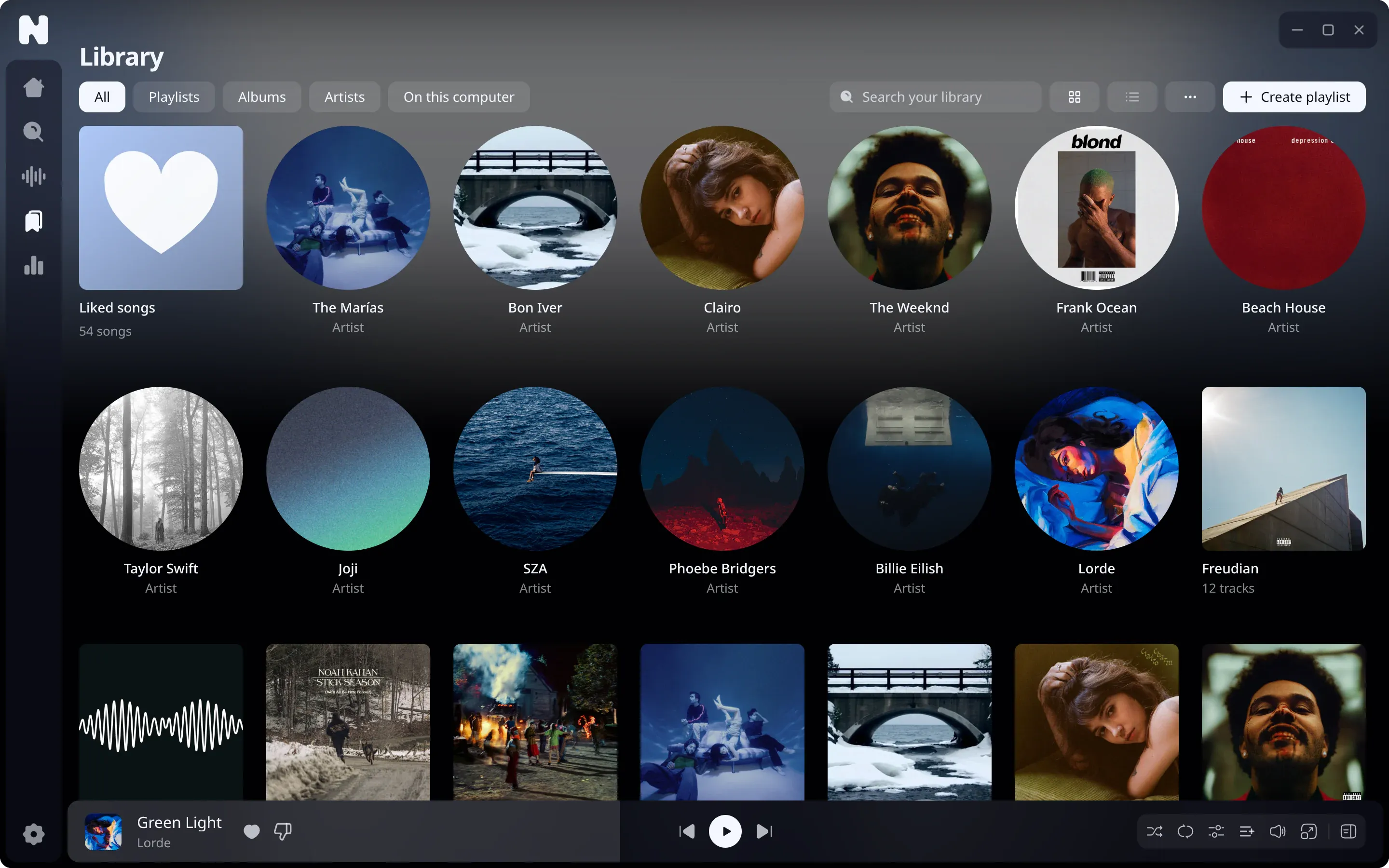
The Library page holds everything you keep: liked songs, saved albums and artists, and your playlists. All of it lives in your encrypted database.
Likes and saved items
Press the heart on a track to like it. Albums and artists can be saved from their pages. Liked songs have their own tile on Home.
Playlists
- Create a playlist from the Library page, or from the add button on any track.
- Give it a cover from a file on your disk.
- Reorder tracks by dragging them.
- Remove tracks through a sheet that lets you undo the removal.
- Find duplicates inside a playlist with the duplicate finder.
- Pin items you use often so they stay at the top.
Search and filter
Search finds tracks, albums, artists and playlists. Search keeps a history that you can clear. The Library filter searches your whole library as you type, in every script: a search for “кино” finds “Кино”.
Local and streamed tracks together
Tracks from your own folders and streamed tracks share the library, playlists and queue. See local files.
Where it is stored
The database is library.db, encrypted with SQLCipher. See data and encryption.