Features
Recommendations
How Nuvo builds mixes and radio on your machine, and how Not interested works.
Nuvo ranks recommendations on your computer. No profile of you is sent anywhere.
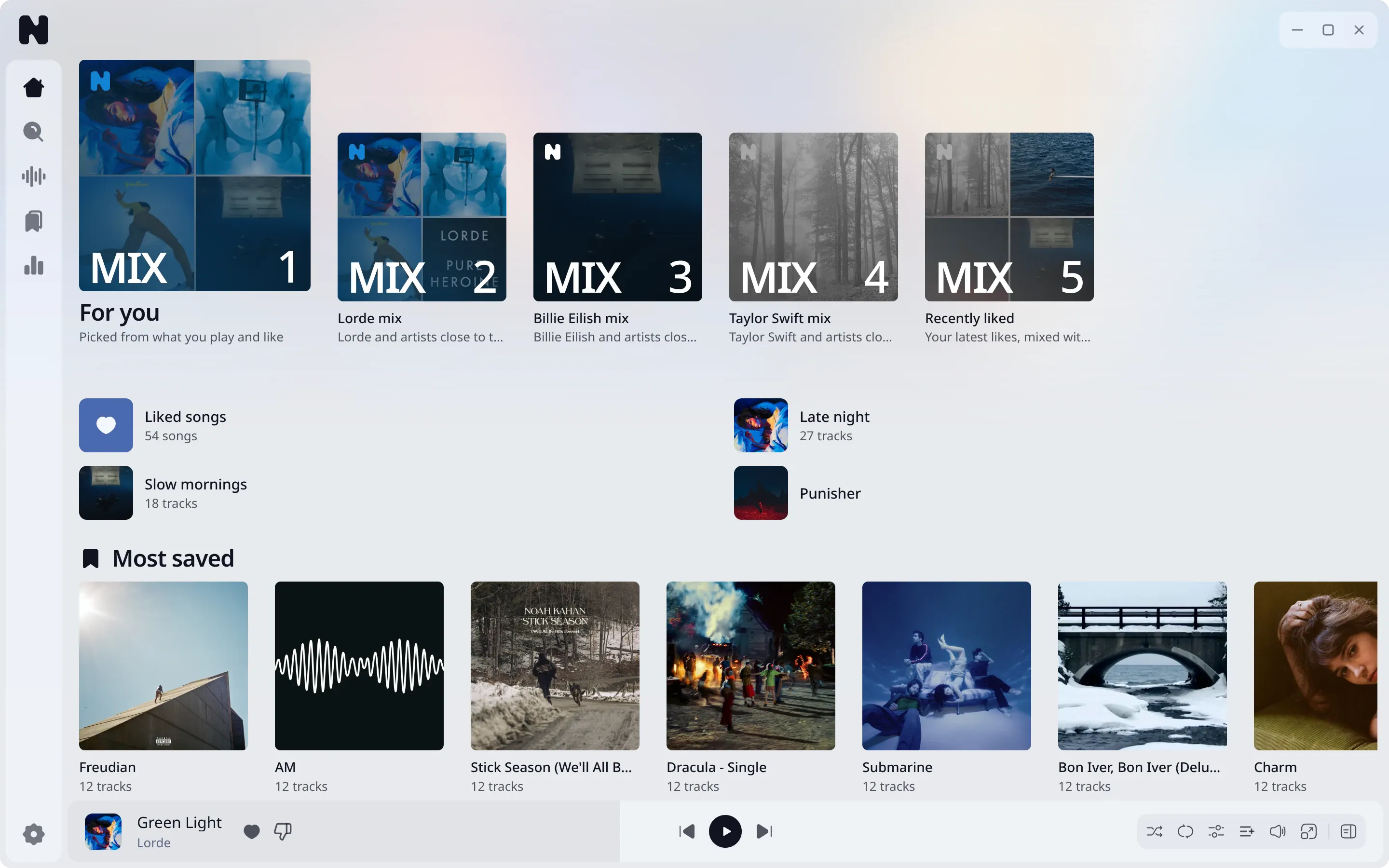
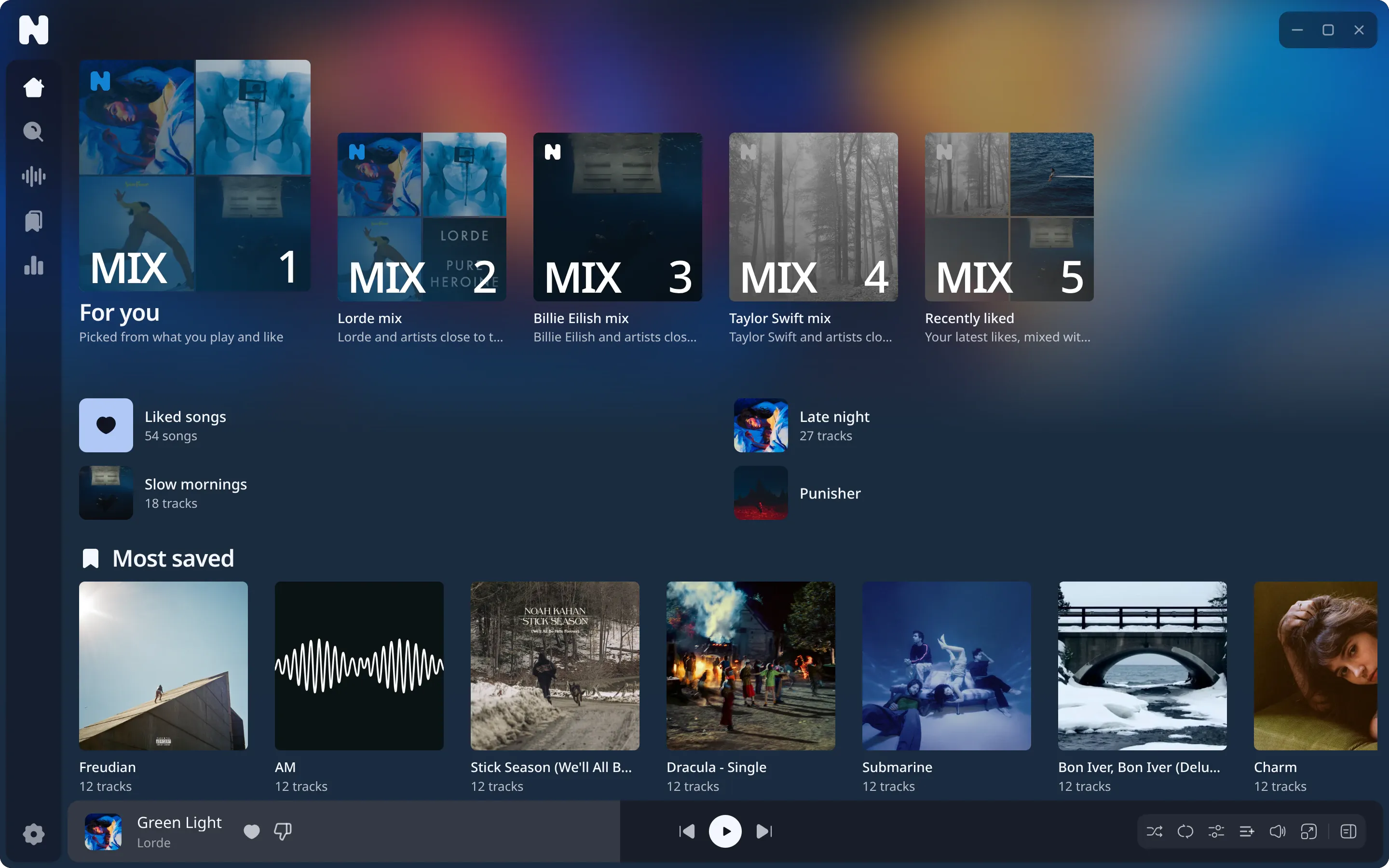
Mixes on Home
Home shows mixes built from your listening:
- For you: what you play most, freshly ordered.
- New to you: tracks you have not heard yet, close to what you play.
- Artist mixes for the artists you play most.
- Recent likes and mood mixes.
Each mix holds 25 tracks. A mix with fewer than three tracks is left out.
How the ranking works
- The app fetches candidate tracks from YouTube Music and SoundCloud: related tracks of your seeds, recent plays and likes.
- The daemon scores each candidate against your taste. Plays, likes and playlist adds count as rewards, and old plays fade out over time. Plays older than about a year barely count.
- Co-occurrence helps: two tracks that appear together in lists, or that you played close together, support each other.
- Filters remove what you hid. The final order mixes variety into the score.
Everything runs in the local daemon and in the app.
Start with artists
On a new library, Nuvo asks for artists you like. Their top tracks act as your first taste until your own history exists.
Not interested
Use the menu on a track to hide a track, a work, or an artist.
- Hiding is not forever by default: it fades over time.
- A track you liked, and uploads of the same recording, survive hiding of the work or a fading artist block.
- A permanent artist block wins over likes.
- Settings, Hidden lists what you hid and lets you undo it.
Radio
Radio uses the same ranking, seeded by one track. See playback.
Reset
Hiding and taste live in your database. Backup and restore: backup guide.