Get started
Quickstart
First launch, the recovery phrase, adding music, and the shortcuts worth knowing.
First launch
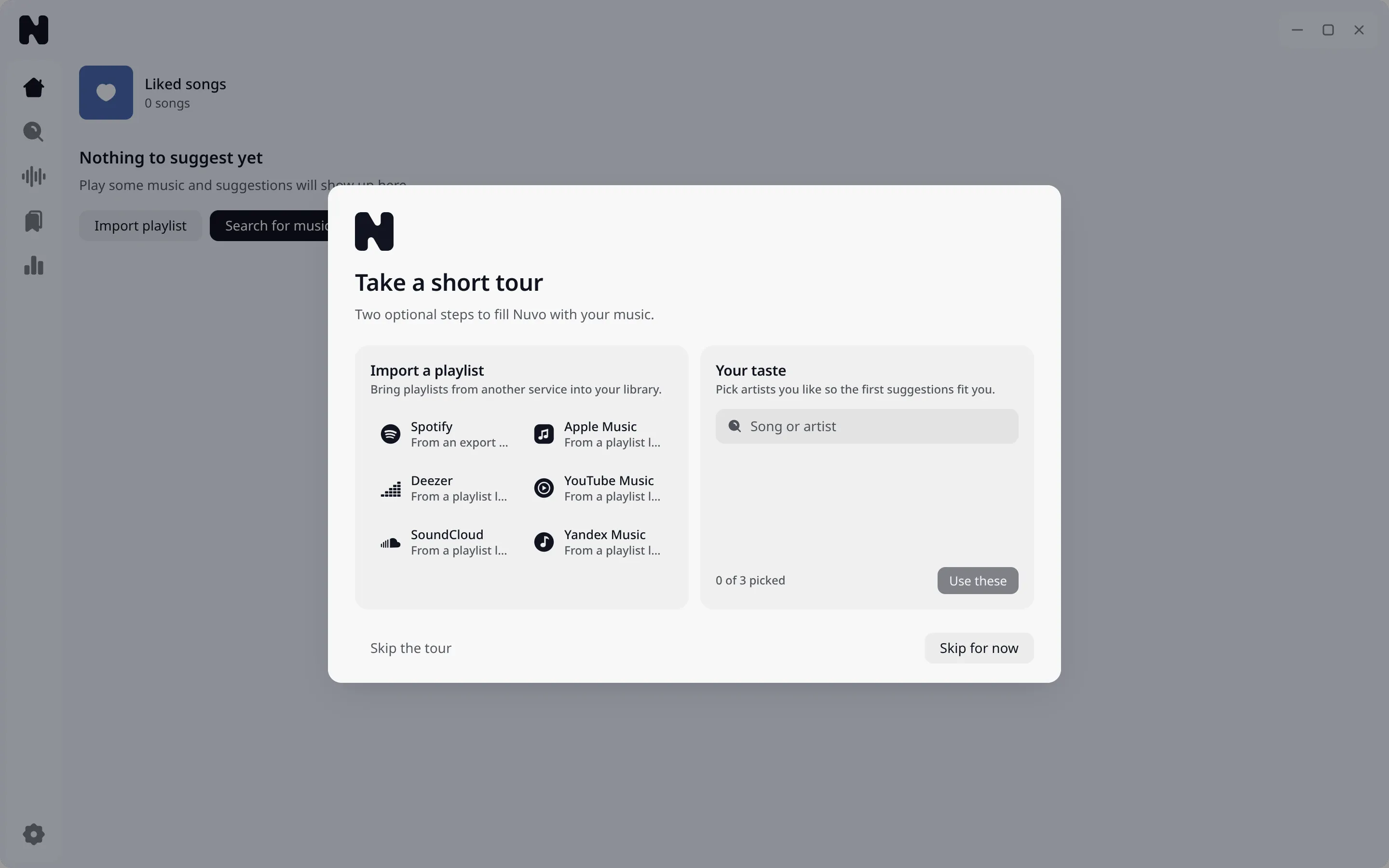
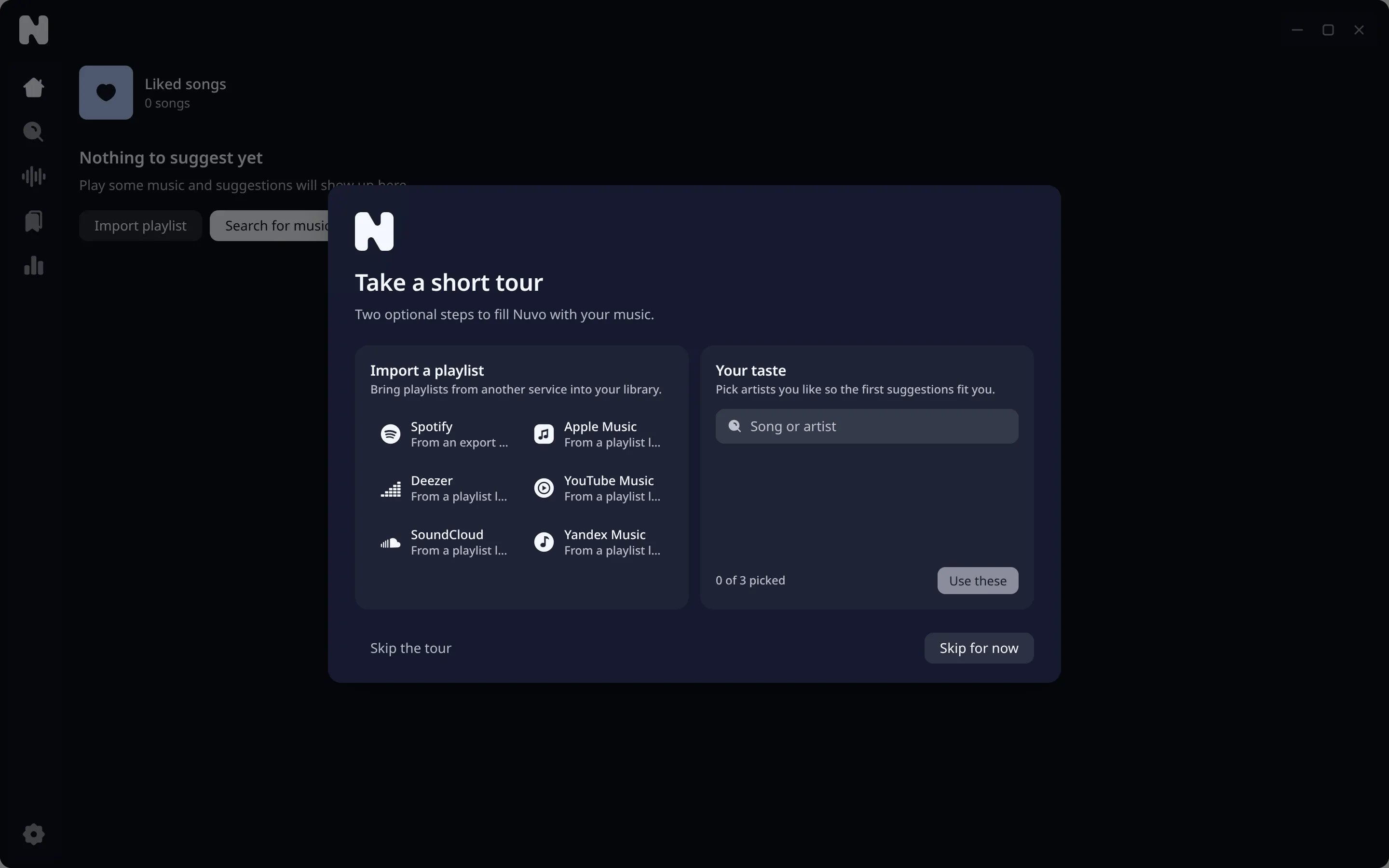
Nuvo starts its daemon, creates an encrypted library, and stores the key in your keyring. A short tour introduces the main screens.
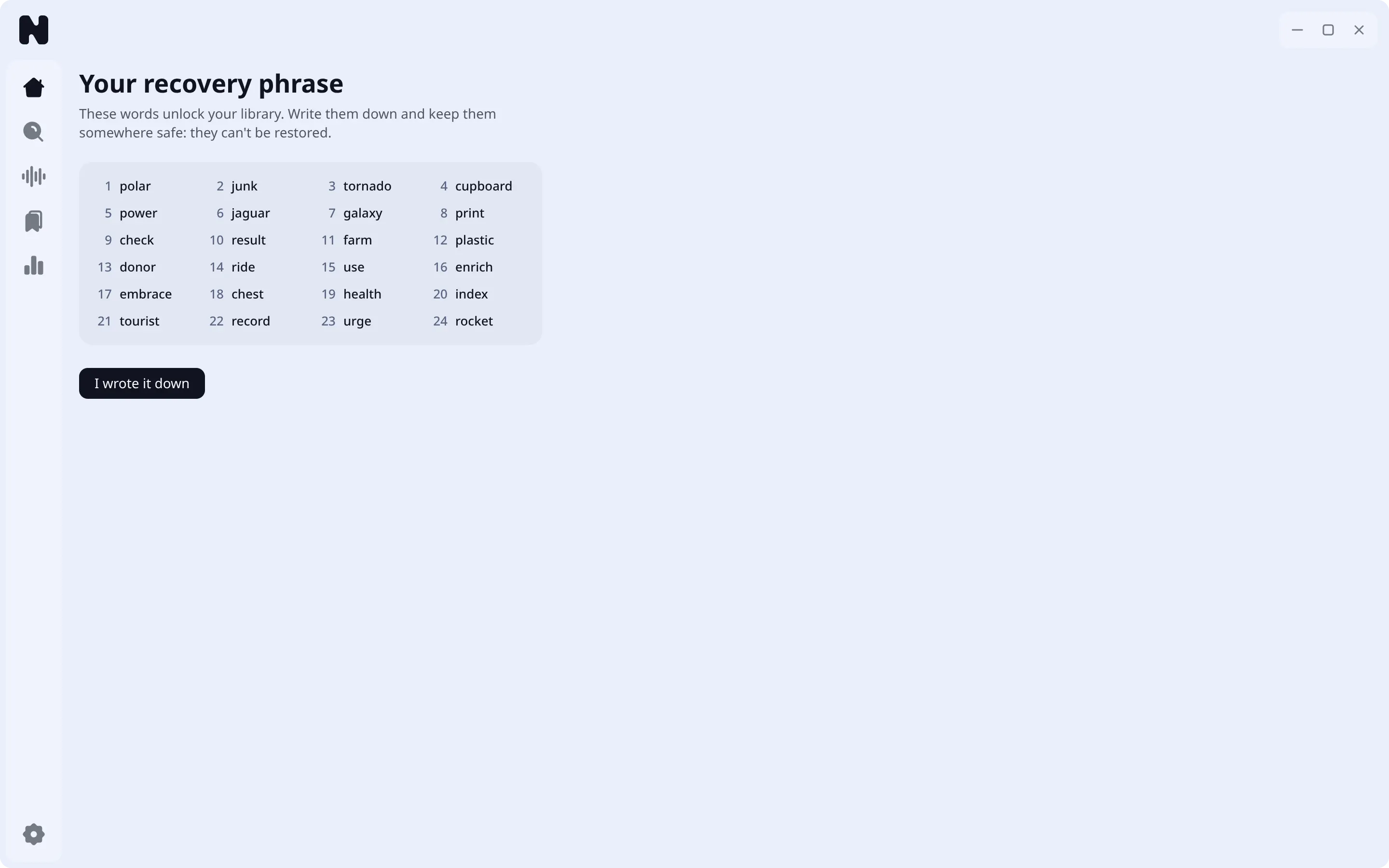
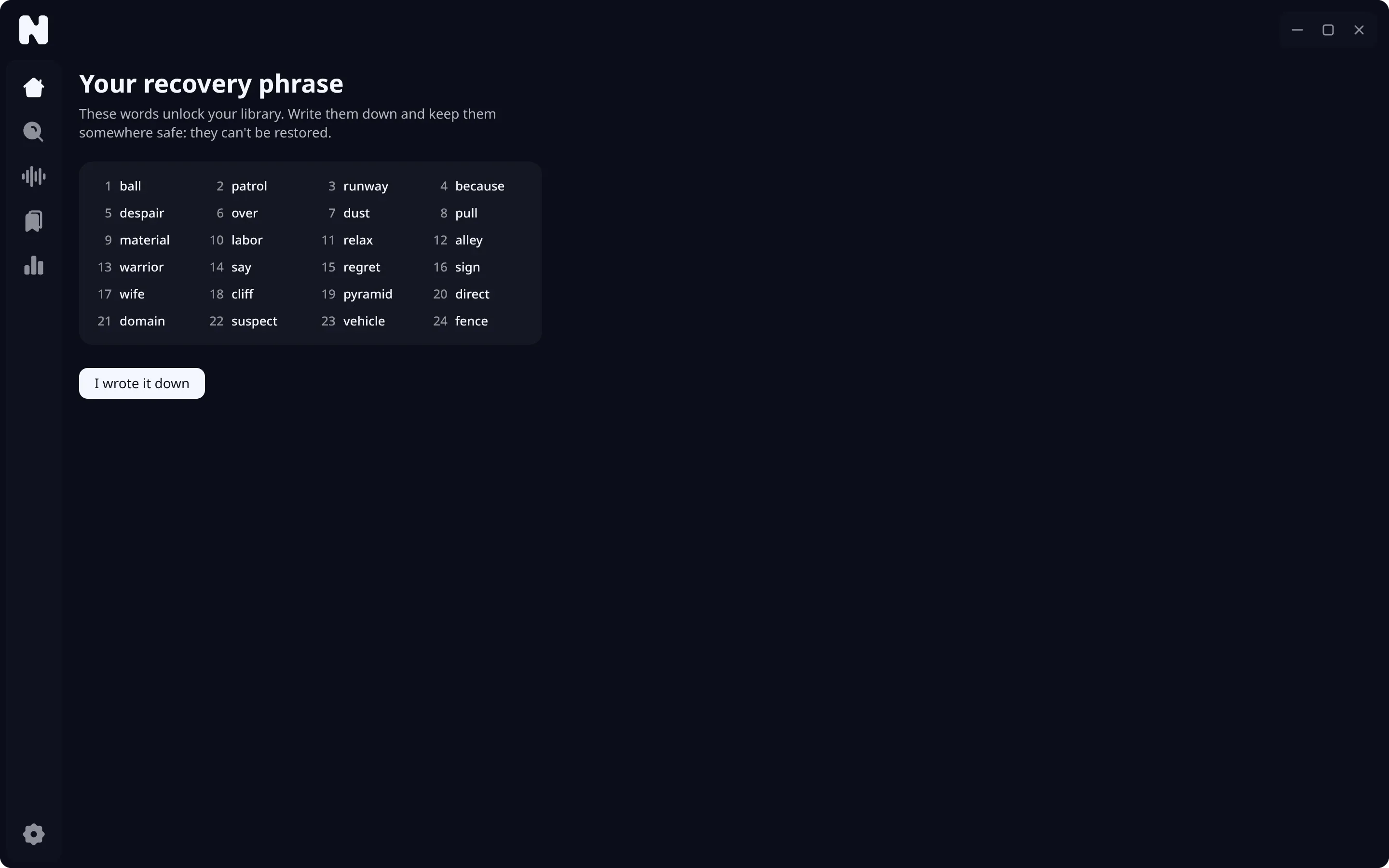
Save your recovery phrase
Nuvo shows 24 words once. They unlock your library if the keyring entry is ever lost. Write them down and keep them offline. After you confirm, Nuvo does not show them again.
Pick artists or paste a link
On an empty library, Home asks which artists you like and builds the first mixes from them. You can also:
- Press
/to search, or use the Search page in the left rail. - Paste a song or playlist link into Search. See links and sharing.
- Open Library and add a folder of your own music. See local files.
- Import a playlist from another service. See imports.
Play
Double-click a track to play it. The bar at the bottom holds the controls, the seek line, volume, the queue, and the sound panel with the equalizer, speed and sleep timer.


Learn the shortcuts
| Key | Action |
|---|---|
Space |
Play or pause |
Ctrl+Right, Ctrl+Left |
Next, previous |
Right, Left |
Seek forward, back |
Up, Down |
Volume |
M |
Mute |
/ |
Search |
Q |
Queue |
F |
Lyrics view |
Alt+Shift+L |
Like the current song from anywhere |
You can rebind all of them. See shortcuts.
Make it yours
Open Settings. Pick a theme, set the Notch, tune the sound. See themes and custom CSS.