Features
Themes and custom CSS
Presets, the colour editor, fonts, wallpaper, theme files, custom CSS and safe mode.
Settings, Appearance and Settings, Customization.
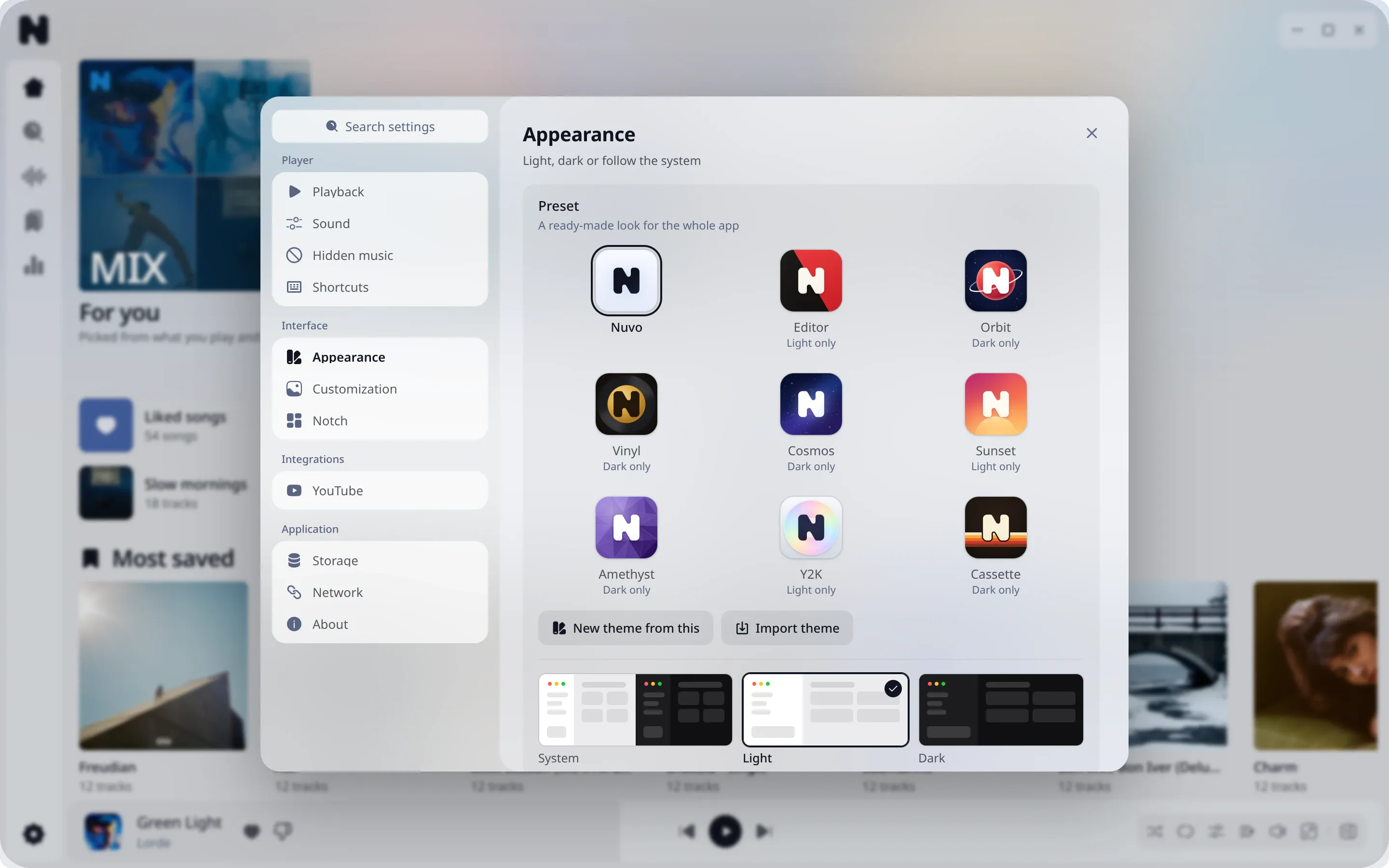
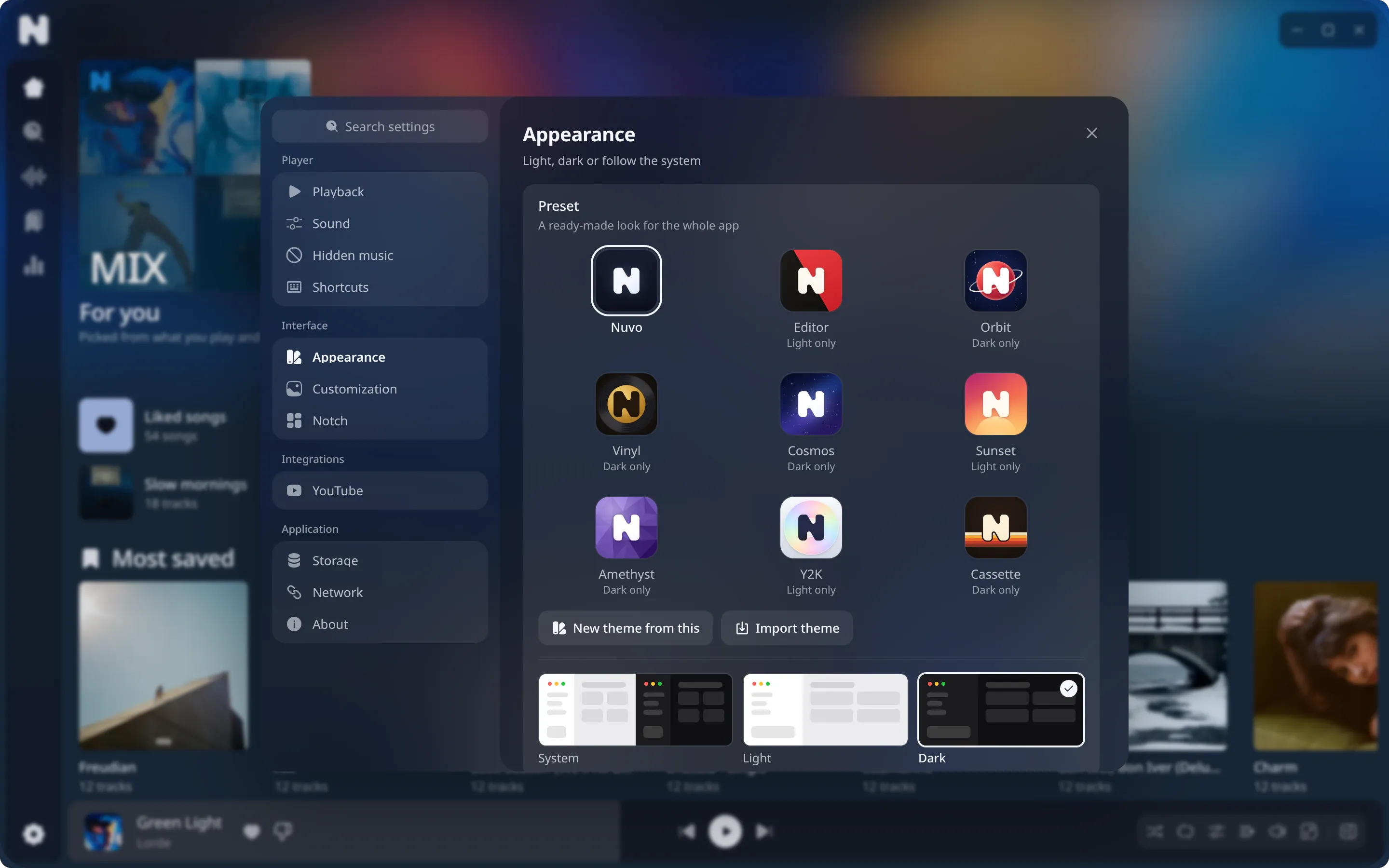
Presets
Nine built-in looks, each in light and dark where it supports both: Nuvo, Editor, Orbit, Vinyl, Cosmos, Sunset, Amethyst, Y2K and Cassette. A preset also changes the app icon.
- Nuvo
- Editor
- Orbit
- Vinyl
- Cosmos
- Sunset
- Amethyst
- Y2K
- Cassette
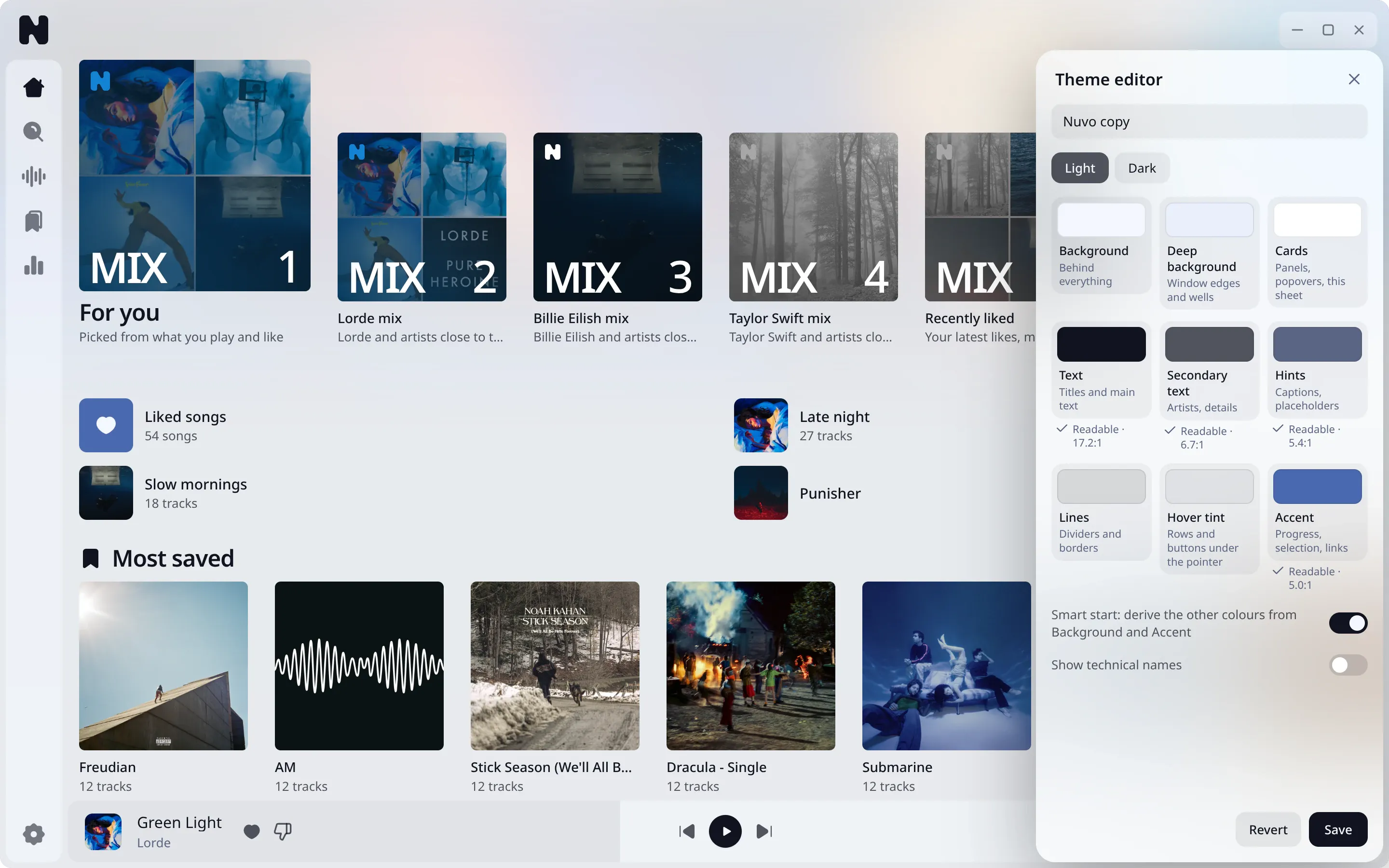
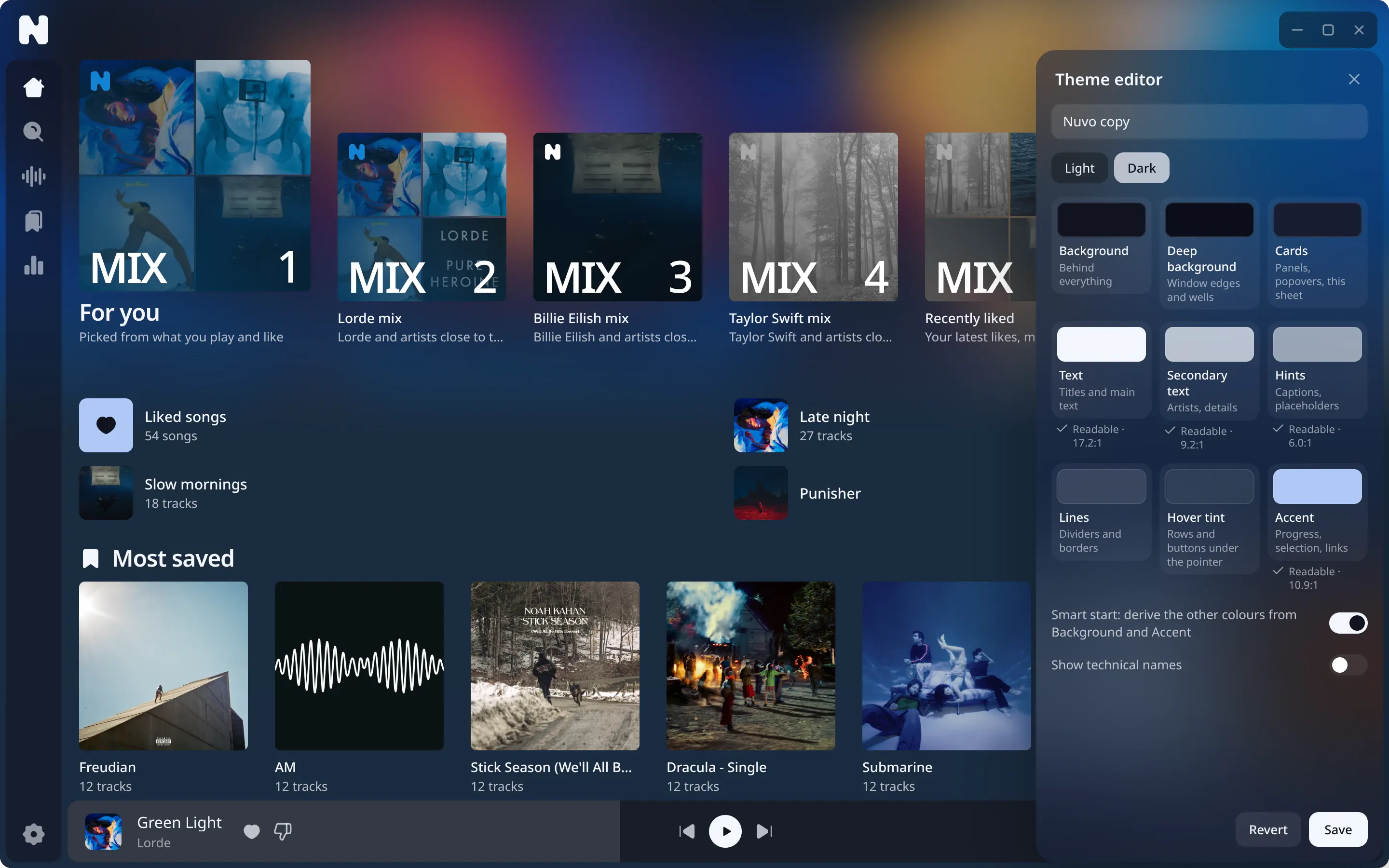
Colour editor
Customize a preset or start a new theme. The editor changes the interface while you edit it. Colour roles cover the background, deep background, cards, text, secondary text, hints, lines, hover tint and accent. Nuvo warns about low contrast, and offers to fix it. Warnings never block saving.
Fonts
Choose a font for the interface and another for lyrics. Pick an installed font or load a TTF, OTF or WOFF2 file. Text size has its own slider for each.
Wallpaper and glass
Set an image or animated GIF as the window background (PNG, JPEG, GIF or WebP, up to 30 MB). Blur, dimming and opacity are adjustable for the sidebar, content area and mini player. Wallpaper customization is available for the dark theme.
Theme files
Export a theme as <name>.nuvotheme.json. Import it from a file. Theme files are capped at 48 KB. Imported CSS passes the same check as typed CSS.
Custom CSS
For people who write CSS. A box in Settings holds up to 32 KB.
The checker rejects the whole sheet if anything is wrong. It:
- refuses everything that fetches resources:
url(),src(),image(),image-set(),element(),paint(),cross-fade(),expression(), - allows only these at-rules:
media,supports,keyframes,container, - refuses
behaviorand-moz-binding, - limits the sheet to 1,000 rules, selectors of 500 characters, and nesting of 4,
- stops rules that would block clicks on the page itself, such as
pointer-events: noneonhtml,bodyor:root.
Errors list the line. Colours come from --n-* custom properties on :root. Class names and page structure may change between versions, so a sheet that depends on them can break.
Safe mode
A broken look must never lock you out.
- Hold Shift while Nuvo starts to switch to the default look.
- After two starts in a row that crash or fail to apply the look, Nuvo switches to safe mode.
- Start with
--safe-appearanceto force it. - Pick Reset appearance in the tray menu.
Turning custom appearance back on is a setting. See custom themes guide.